Eat.Squat.Tap.
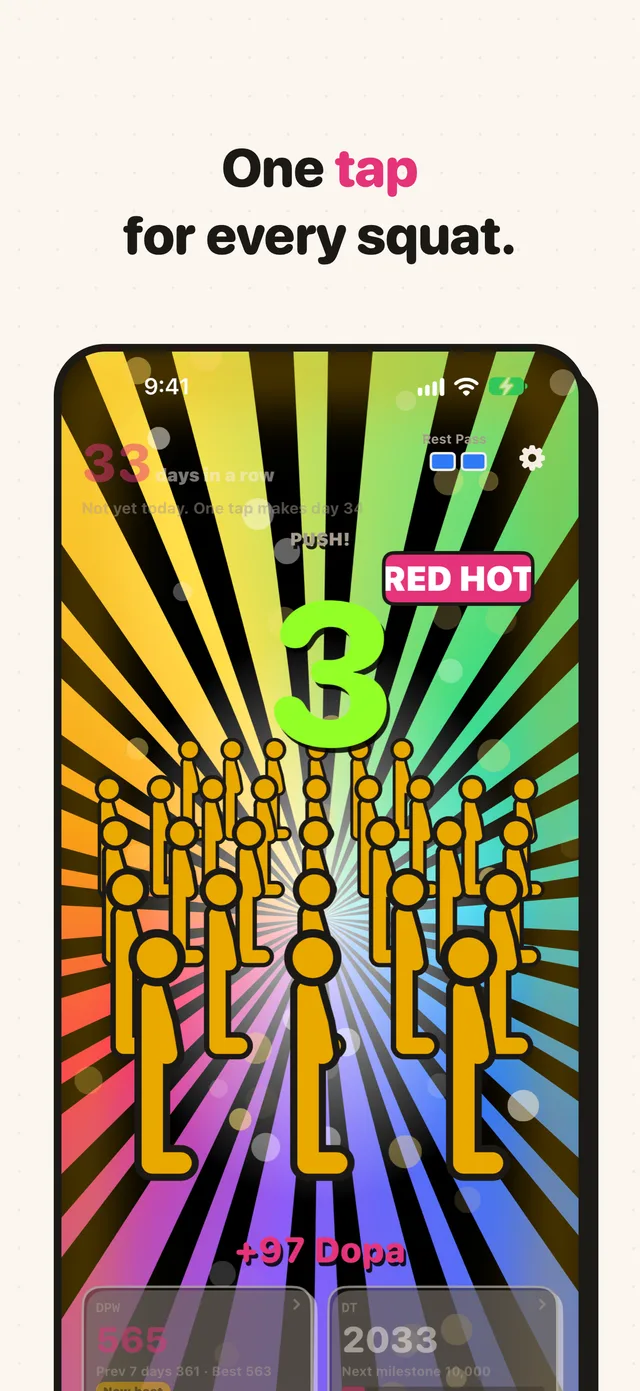
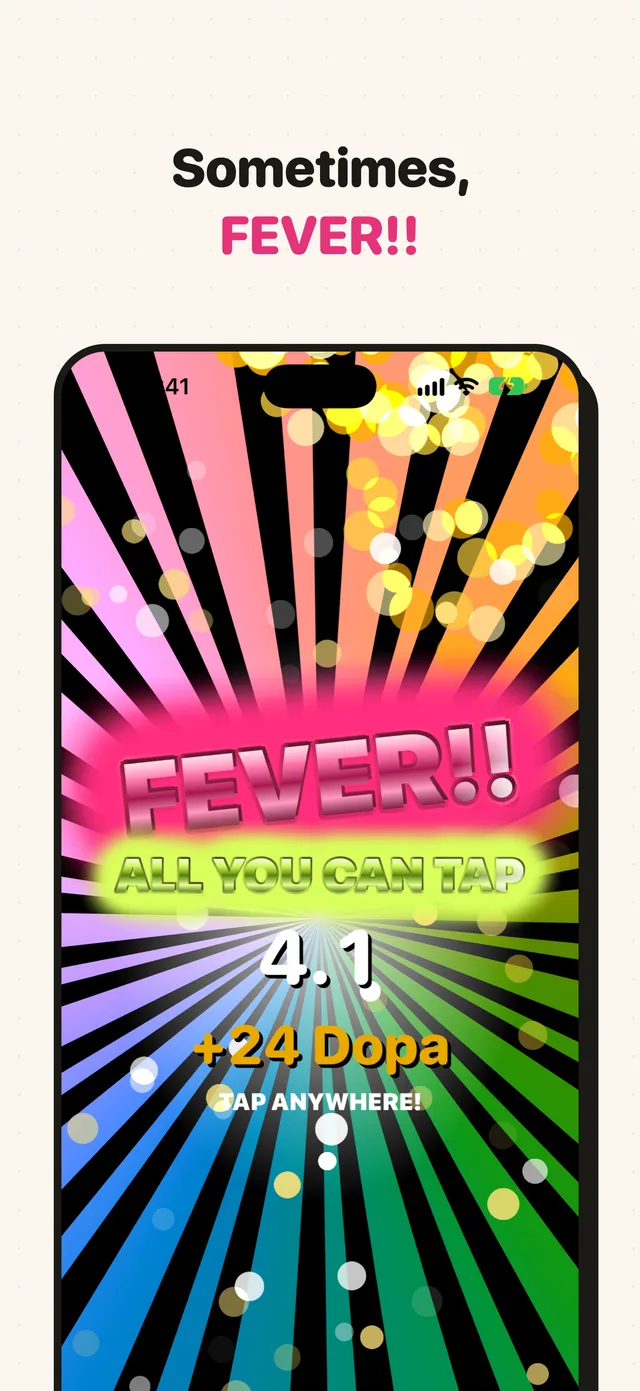
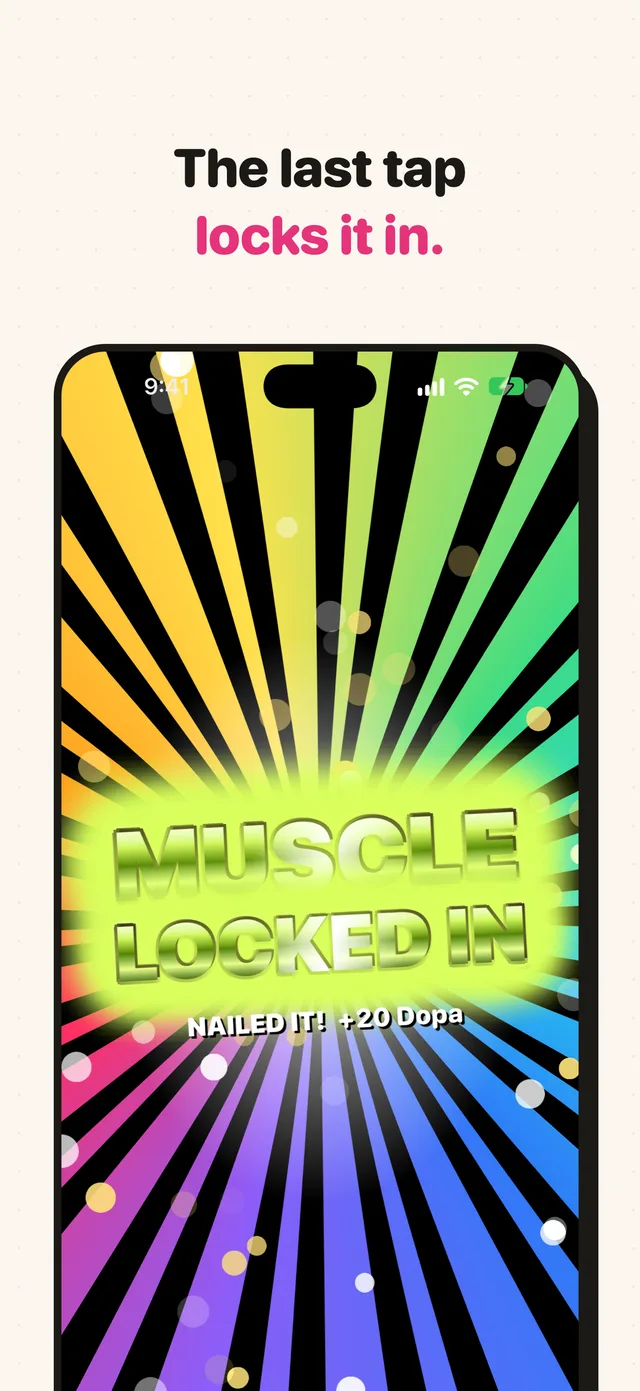
Done with your after-meal squats? Tap once for every rep. CHANCE!, RED HOT!!, FEVER!!, then one last tap locks it all in. Twenty quiet squats, turned into a party.

One-time purchase. No ads, no in-app purchases, no sign-in needed.
how it works
Just three things.
Eat
Your usual meal. Anything goes.
Squat
Right after the meal, squat where you are. Pick your count, from 5 to 100.
Tap
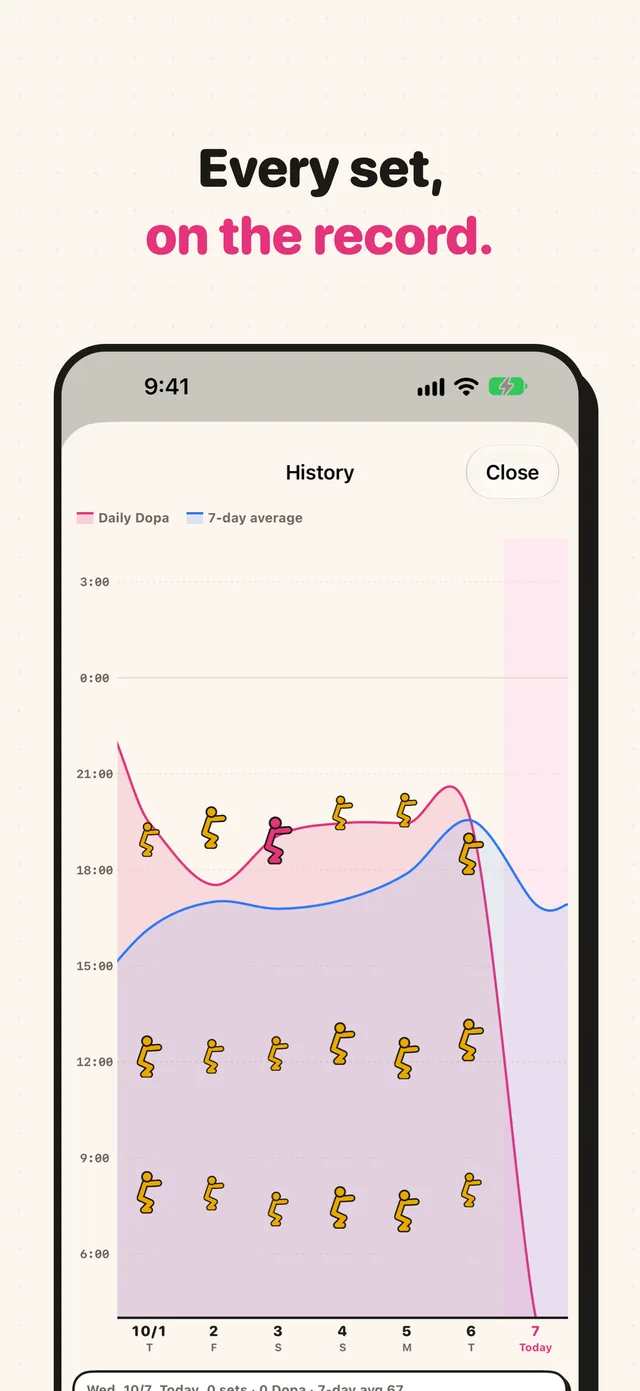
Tap the screen once per squat. Every squat becomes 1 Dopa and goes on your record.
screens
Every tap gets louder.
Scroll sideways →
features
Built to keep you going.
CHANCE!, RED HOT!!, FEVER!!, locked in.
Each tap turns up the sound and light, and the last one lands with a bang. Now and then a 5-second FEVER hits, and every tap adds Dopa.
Streaks and Rest Passes
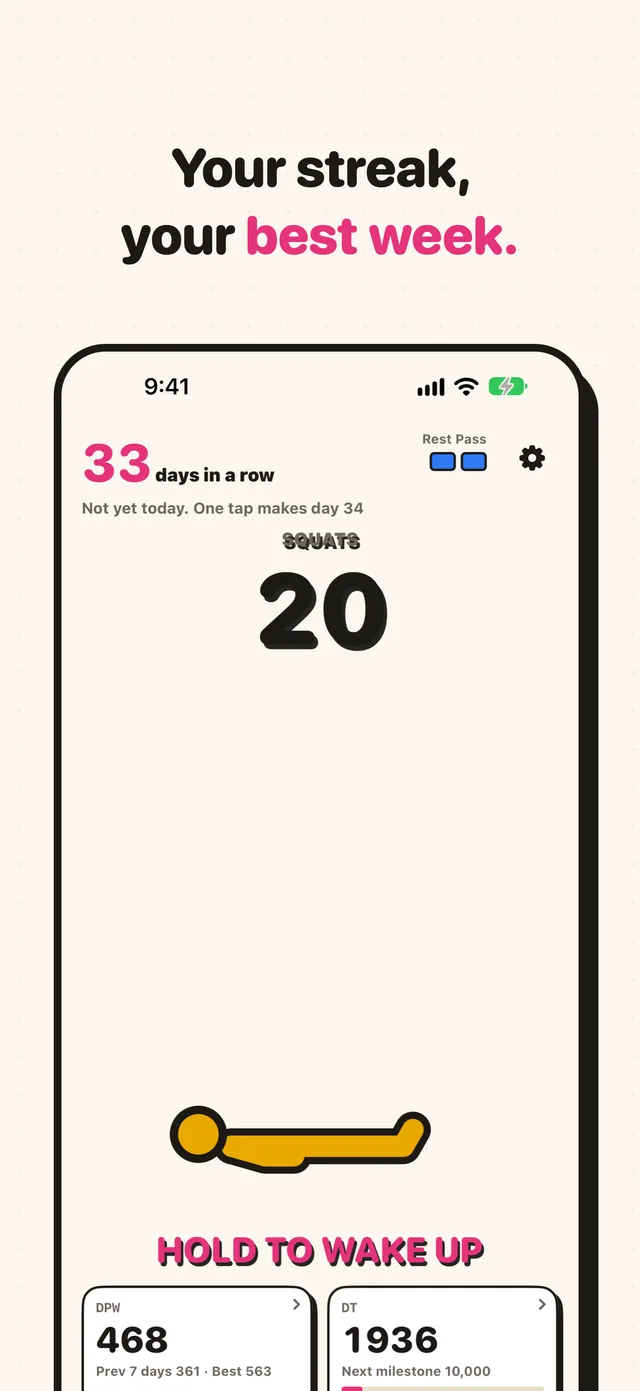
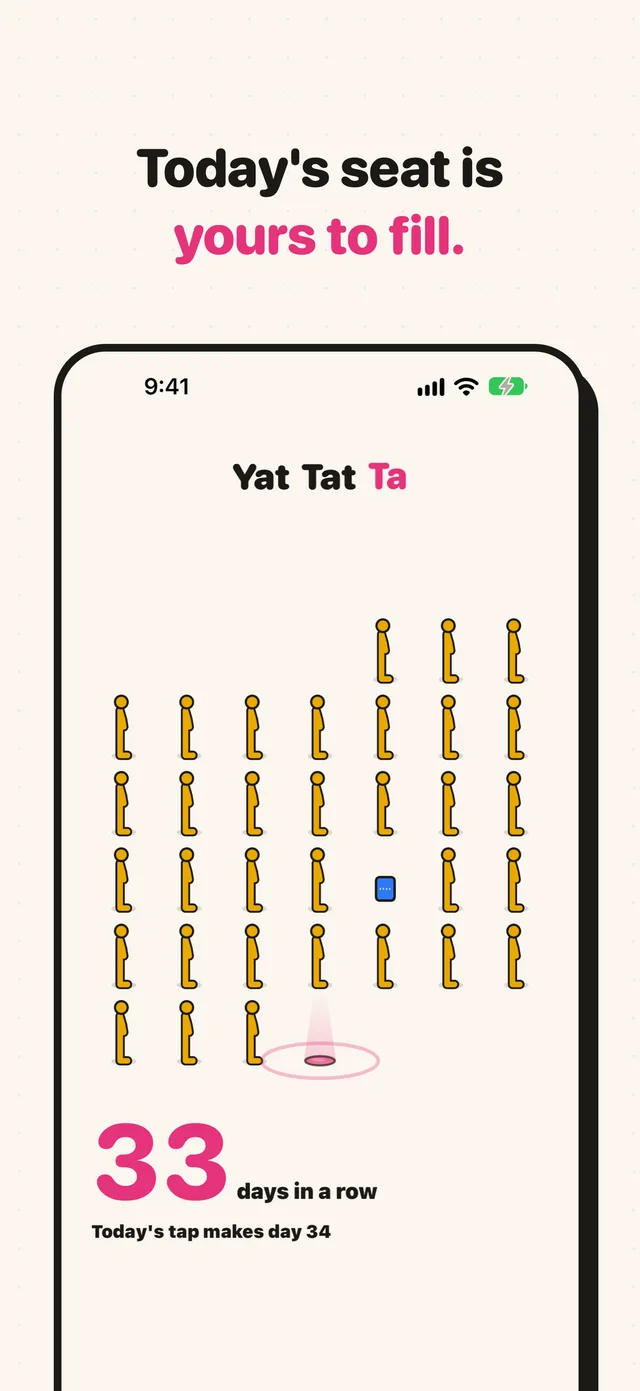
Every day you tap adds one. Each 7 days in a row earns a Rest Pass that covers a missed day for you.
Dopa adds up
1 squat is 1 Dopa. DPW for the last 7 days, DT for all time.
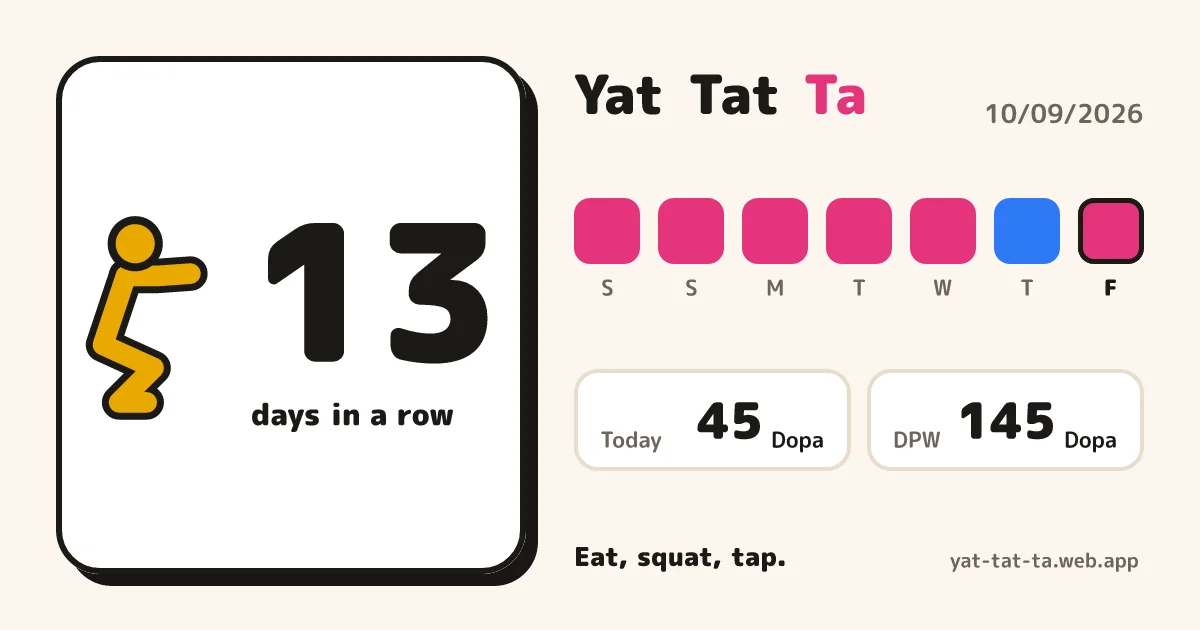
Share today as a card
When you finish, post it to LINE or X. Your streak and the last 7 days on one card.
No sign-in to start
We never ask for your name or email. Sign in with Apple, and your record comes back on a new iPhone.
Not-Yet Reminder
One nudge on evenings you haven't tapped yet.
Squats
done?
Then tap twenty times.
faq
FAQ
How much is it?
A one-time purchase. No ads and no in-app purchases.
Do I need to sign in?
No. You can tap right after the first launch. Your sets are kept in an account the app creates on first launch.
What happens when I switch iPhones?
Sign in with Apple from Settings, then sign in with the same Apple ID on the new iPhone and your sets come back.
How many squats?
20 to start. You can change it from 5 to 100 in Settings.
Does it need a connection?
Only on the first launch. After that, you can tap offline.
Which devices?
iPhone with iOS 26 or later.
Support
Your sets and account
- No sign-in needed. Your sets are kept in an account the app creates on first launch.
- Sign in with Apple from Settings, and your sets come back on a new iPhone when you sign in with the same Apple ID.
- You can delete all your sets and your account with "Delete Account" (or "Delete All Records" if you have not signed in) in the app's settings.